
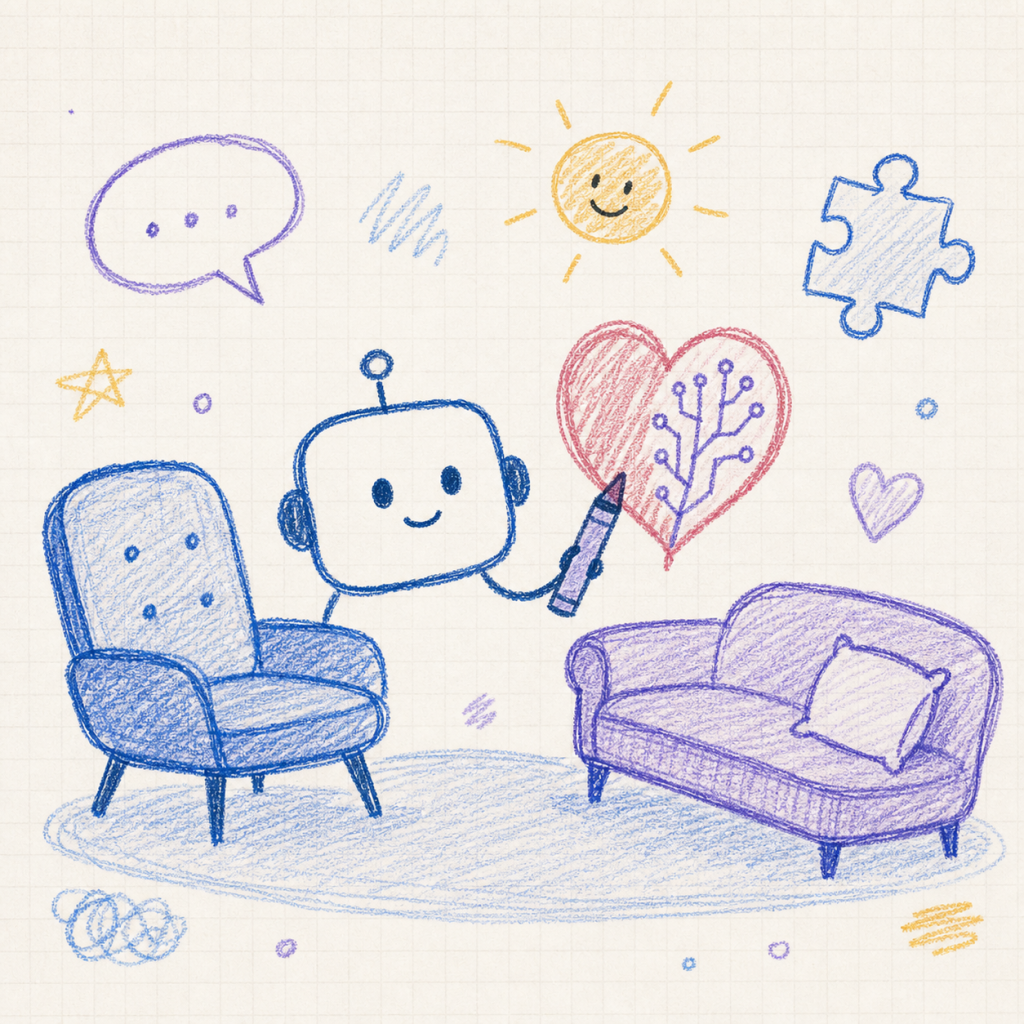
In clinical work, we often learn that what looks “perfect” is not always what helps patients most. A recent example from AI highlights this idea in an unexpected way. A new prompt used with an advanced image model (GPT Image 2) asks it to redraw images in a very messy, clumsy style, like something quickly scribbled in MS Paint with a mouse. Surprisingly, the model follows this instruction very well, even though it was designed to create highly realistic, high-quality images.
At first, this might seem trivial or even amusing. Why would we want an advanced system to produce something that looks “bad”? But from a clinical perspective, this raises an important point. In therapy, simple, imperfect, or symbolic representations are often more helpful than polished ones. For example, some patients, especially children or individuals with cognitive or language difficulties, find it easier to engage with rough drawings rather than detailed images. The “scribbly” output can feel more approachable and less intimidating.
This connects to how people process information. Not everyone thinks in abstract or complex ways. Many individuals understand better through simple, concrete, or visual forms. In that sense, asking an AI to “lower” its quality is not really making it worse, it is making it more flexible and better suited to different needs. The value lies in the match between the tool and the person, not in technical perfection.
What is particularly interesting about GPT Image 2 is that it follows instructions very closely. Earlier AI systems often tried to “improve” results automatically, even when asked not to. They would clean up images or make them more realistic, ignoring the user’s intention. This could be frustrating. In contrast, this newer model respects the prompt more precisely. It does what it is told, even if that means producing something intentionally awkward.
For clinicians, this idea is quite familiar. In therapy, we do not always aim for the “best” or most refined response. Instead, we aim for what is most useful for the patient in that moment. A rough sketch, a simple metaphor, or an imperfect explanation can sometimes open more meaningful discussion than something highly polished. In this way, the AI’s behavior reflects a clinically relevant principle: usefulness depends on context.
There are also interesting research implications. If we can guide an AI to produce both high-quality and low-quality outputs on demand, we can start to explore how it “understands” images. For example, when creating a messy version of an image, which elements does it keep and which does it distort? This could help us learn more about how the model prioritizes visual information, which may be useful in fields like cognitive science or perception research.
At the same time, there are important limitations to consider. A system that follows instructions very closely can also produce misleading or inappropriate outputs if the prompt is unclear or poorly designed. In clinical or educational settings, this could create confusion. For example, a deliberately “bad” image might be misunderstood as an error rather than an intentional choice. This means users need to be thoughtful and clear about how they use these tools.
There are also ethical considerations. When using AI in clinical or research contexts, we are responsible for the outputs we generate. We need to be transparent about how images are created and ensure they are not mistaken for real data or accurate representations. Questions of bias and interpretation also remain important. Even a simple or “bad” image is still shaped by the model’s training, which may include hidden assumptions.
Overall, this example shows that the real strength of AI is not just in producing perfect results, but in adapting to different instructions and needs. For therapists and clinicians, this flexibility is valuable because it helps us create materials that better match our patients, whether that means detailed visuals or simple, imperfect sketches.
Looking ahead, the challenge is to use this flexibility thoughtfully, not only focusing on what AI does best, but also on how it can work in simpler, more human ways, opening new possibilities for practice, teaching, and research.
Before closing, try it yourself, this is where it really clicks. Running this prompt gives you a quick, hands-on sense of how strongly the model follows your instructions, even when the goal is to be “bad”:
“Redraw the attached image in the most clumsy, scribbly, and utterly pathetic way possible. Use a white background, and make it look like it was drawn in MS Paint with a mouse. It should be vaguely similar but also not really, kind of matching but also off in a confusing, awkward way, with that low-quality pixel-by-pixel feel that really emphasizes how ridiculously bad it is. Actually, you know what, whatever, just draw it however you want.”