
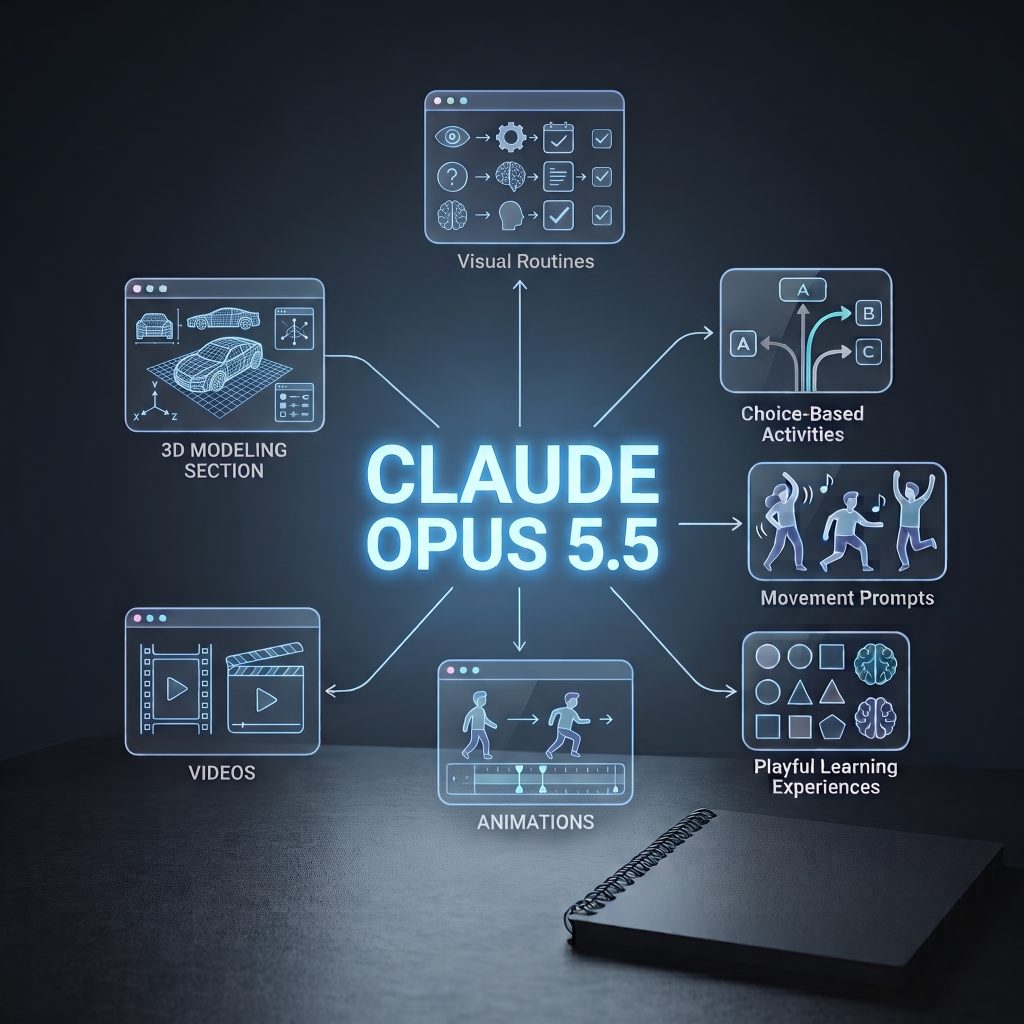
Imagine describing an activity you wish existed and getting a simple interactive prototype to explore. Claude Artifacts are stand-alone creations, such as interactive apps, visualizations, or tools, that Claude generates from a conversation. You can preview them, ask Claude to revise them, and, where available, share them with others.
For therapists, this could mean exploring new ways to support learning, communication, movement, and everyday skills, not just drafting another worksheet. A therapist might prototype a visual activity where someone sorts objects, follows a sequence, or makes choices in a familiar situation. The activity could use pictures, sounds, movement prompts, or simple animations, then be adapted for pace, instructions, or level of challenge.
An interactive routine might help someone practise getting ready, preparing for a transition, or completing a task in order. Another prototype could invite them to follow a movement pattern, choose a picture to continue a story, match an action to a sound, or practise asking for help. These are ideas to explore, not ready-made treatments or substitutes for professional assessment.
The wider opportunity is that therapists can experiment with ideas that might otherwise be difficult or costly to build. A team could create a basic visual schedule, a turn-taking game, or an animation to demonstrate a movement or concept. The therapist brings the purpose and clinical expertise; AI can help explore how the idea might take shape.
How to create an Artifact
- Open Claude and start a chat. If the Artifacts space is available in your account, you can select it from the sidebar; you can also begin by describing your idea in a conversation.
- Describe the goal and user interaction. Explain what the activity should help someone do, how they will use it, and any relevant considerations, such as age, accessibility, language, or reading level.
- Ask Claude to build a prototype. For example: “Create a simple, touch-friendly activity for practising a three-step routine. Use clear visuals, minimal text, and supportive feedback. Let the therapist change the steps. Do not score performance or give clinical advice.”
- Try it and request changes. Ask Claude to make specific revisions, for example, larger buttons, simpler instructions, a different pace, or more visual cues.
- Review before sharing. Test the prototype yourself, check that it works as intended, and review its accuracy, accessibility, and suitability for the person and context. If sharing is available, check the settings and audience first.
A working prototype is not automatically a suitable therapy tool. AI-generated activities should not be treated as validated assessments or interventions. The therapist remains responsible for deciding whether a tool fits the person, their goals, and the clinical context.
Privacy matters throughout the process: do not include names, session notes, identifying details, or sensitive client information in prompts or prototypes. Follow workplace policies and professional guidance, and check sharing settings before publishing. Claude can help build and revise an idea, but it cannot observe a client, make clinical judgments, or take responsibility for care.
Artifacts can turn a therapist’s idea into something tangible to explore and adapt. Start with one activity you wish existed, describe it without client information, and see what you can prototype, then use your professional judgment to decide whether it is useful, and for whom.